
How much does CCTV camera installation cost in Warsaw?
The price is based on the camera type (Wi-Fi or PoE), where it will be fitted (indoors or outdoors), how difficult the cable route is, and how many cameras are being installed. A basic indoor Wi-Fi camera can be fitted fast. An external camera with cabling run along the facade takes more work. The final cost also depends on the mounting method (wall, ceiling, canopy), whether drilling is needed, and how recording is arranged (NVR or cloud). Mounting hardware is included. The client buys the cameras. Current prices are listed in the table below.
| Service | Price |
|---|---|
| Security camera installation (1 pc) | 250–500 zł/pkt |
Indicative prices. Ranges for a typical scope. Fixings included, materials separate. Minimum order 300 zł.
What it costs and how to book: sensor and camera installation in Warsaw.
How CCTV camera installation is done
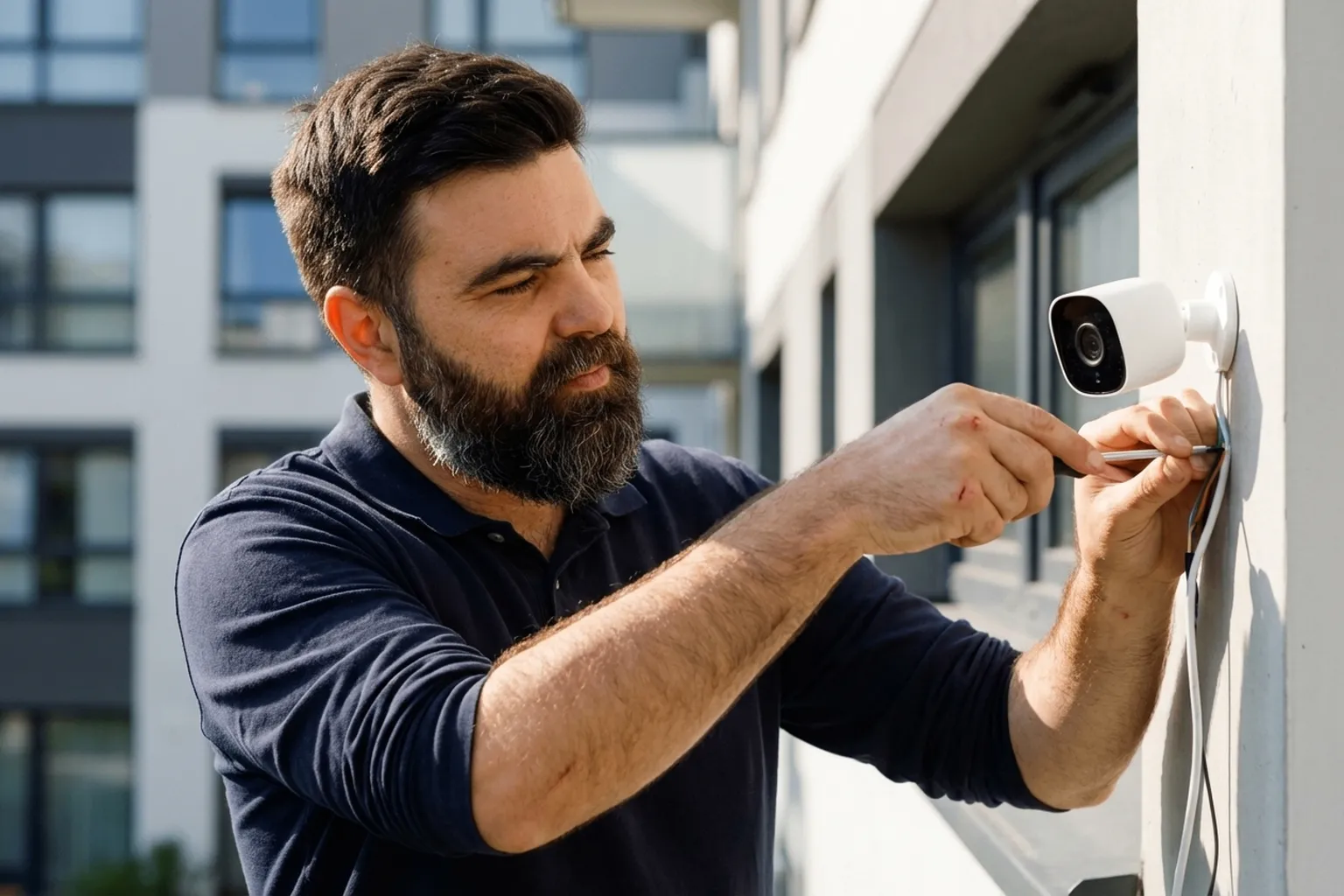
- You send over a photo of the installation spot and the camera model, the technician checks the scope of work.
- Each tradesperson says in their offer when they can come, and you pick the one that suits you.
- At the property, the technician picks the best viewing angle and fixing point.
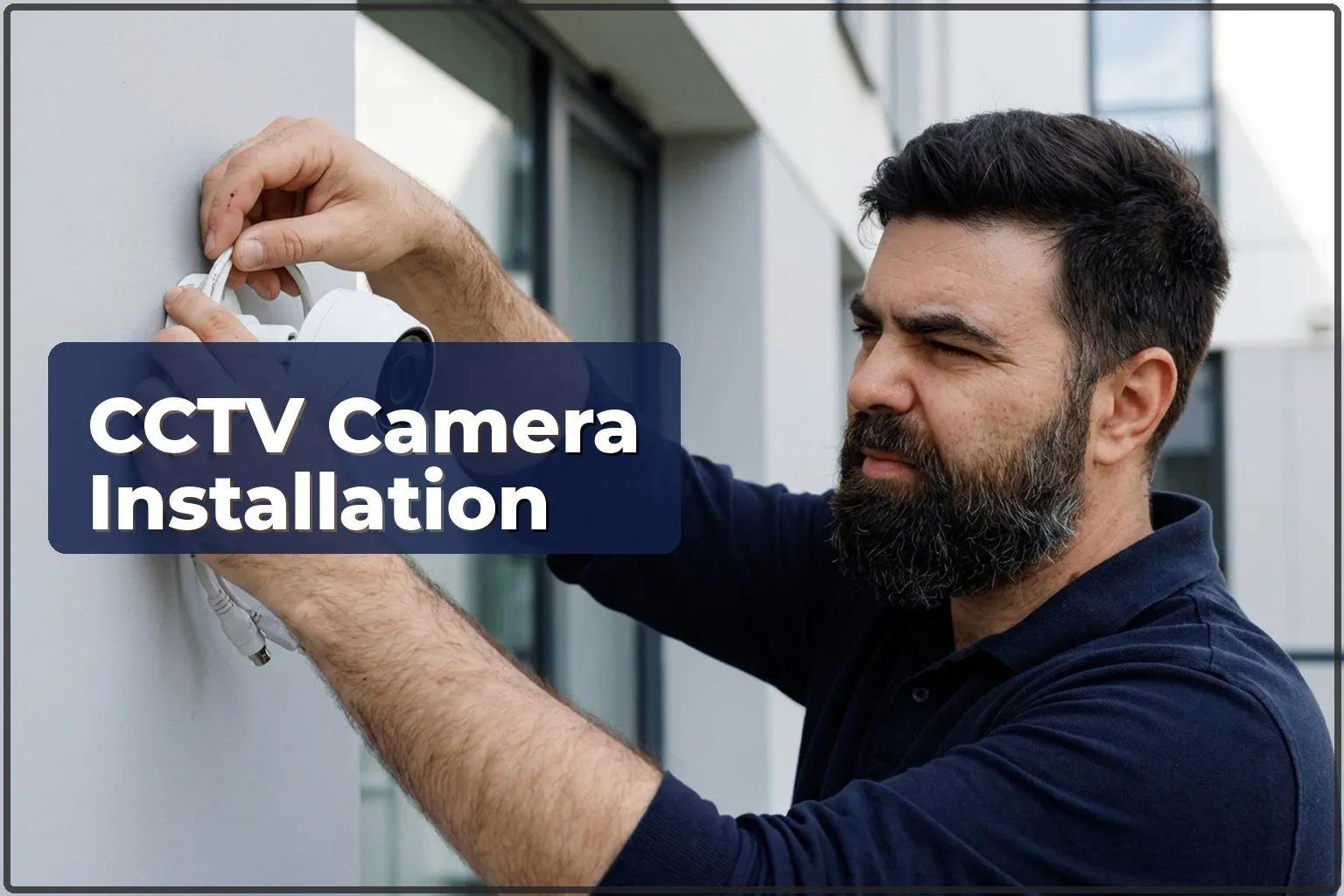
- Holes are drilled, the bracket is mounted, and the camera is secured.
- For PoE cameras — an Ethernet cable is run to the router or NVR. For Wi-Fi: the camera is connected to the wireless network.
- The app is set up on the client’s phone (Hikvision, Dahua, TP-Link, Imou, Reolink).
- The image is tested: viewing angle, night-mode performance, and the motion-detection area.
Common installation mistakes
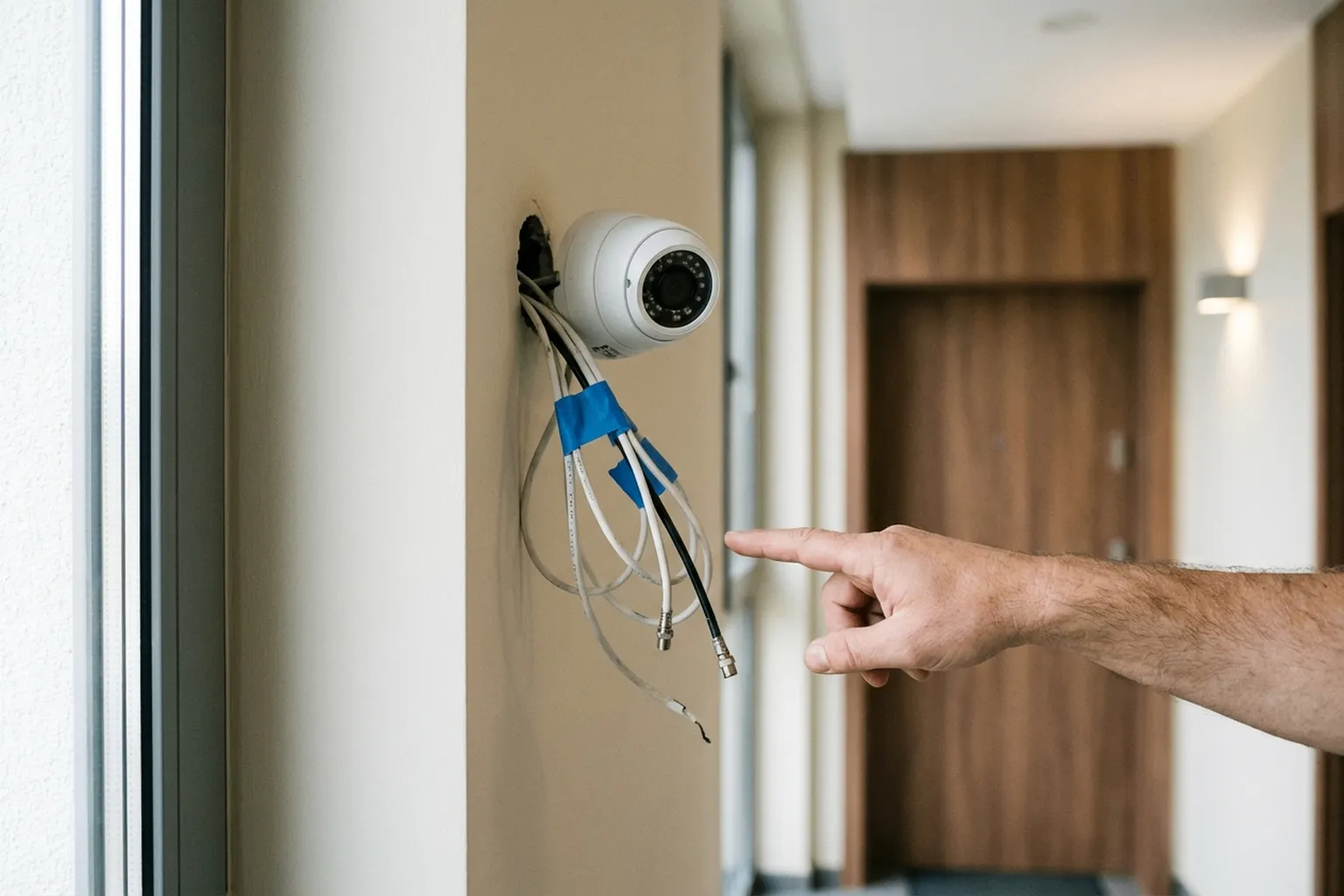
- Installing the camera too high — faces cannot be identified, and only the tops of heads are visible.
- Aiming the camera toward the sun: the image is overexposed during the day and blinded by reflected IR at night.
- Putting a Wi-Fi camera too far from the router without a repeater: the video freezes or cuts out.
- Using an outdoor camera without IP66 rating — moisture appears inside after a few months.
- Skipping detection-zone setup: the camera sends notifications for every passing car or bird.
- Fixing the camera to plasterboard without reinforcement, over time the bracket and camera start to sag.
What to prepare before the technician arrives
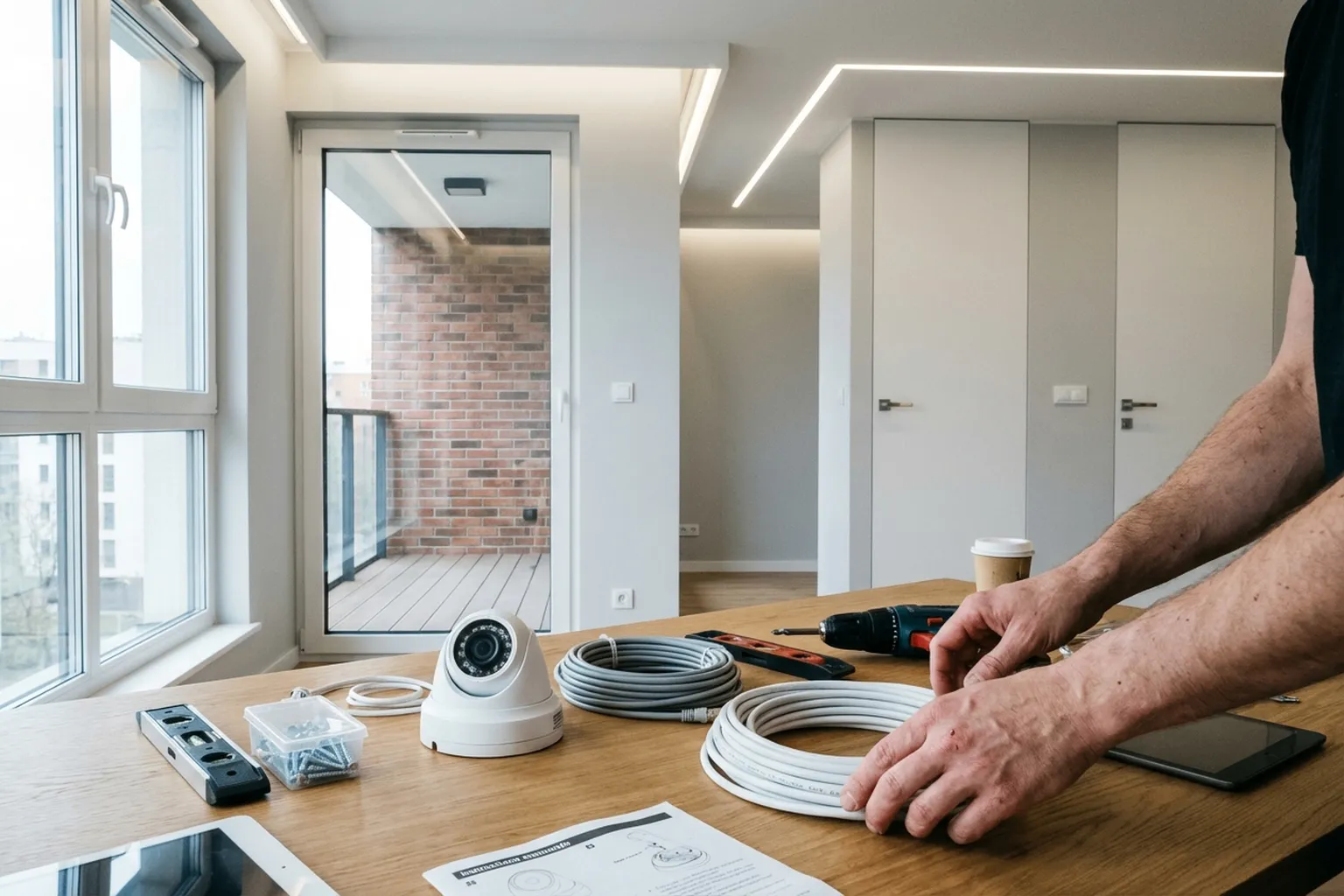
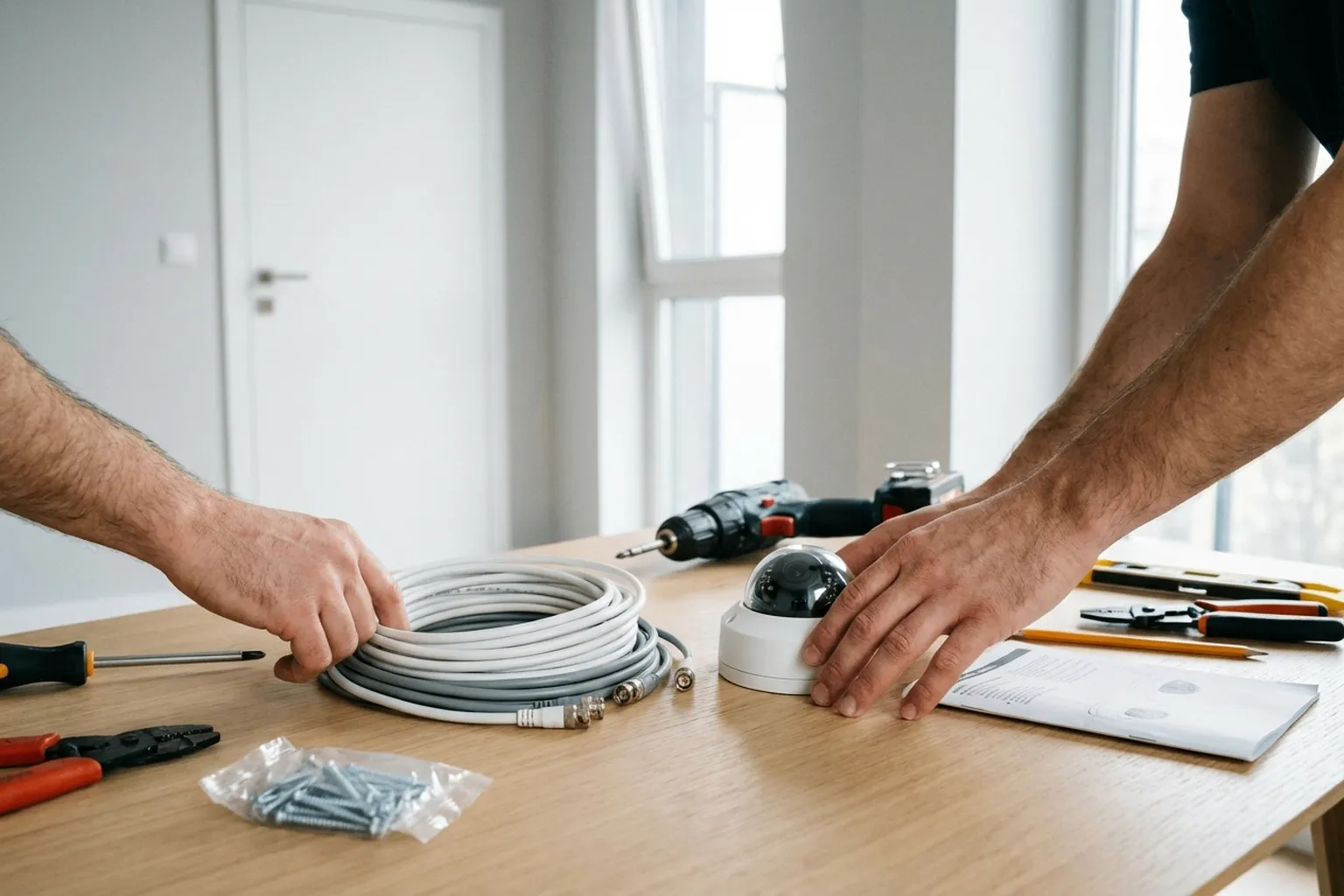
- Buy the camera (or send the model details — the technician will confirm if it is suitable).
- Decide what exactly needs to be visible (front door, parking, yard).
- Check Wi-Fi coverage at the mounting point (for Wi-Fi cameras).
- For PoE systems — confirm whether cable routing is needed and the cable length.
- Make sure there is a power socket near the camera (for the power adapter).
- For outdoor cameras: make sure the mounting point is accessible (ladder, facade).
- Download the camera app beforehand.
- Keep the Wi-Fi password ready.
- Provide the intercom code and parking details.
A real case from Warsaw: CCTV camera installation
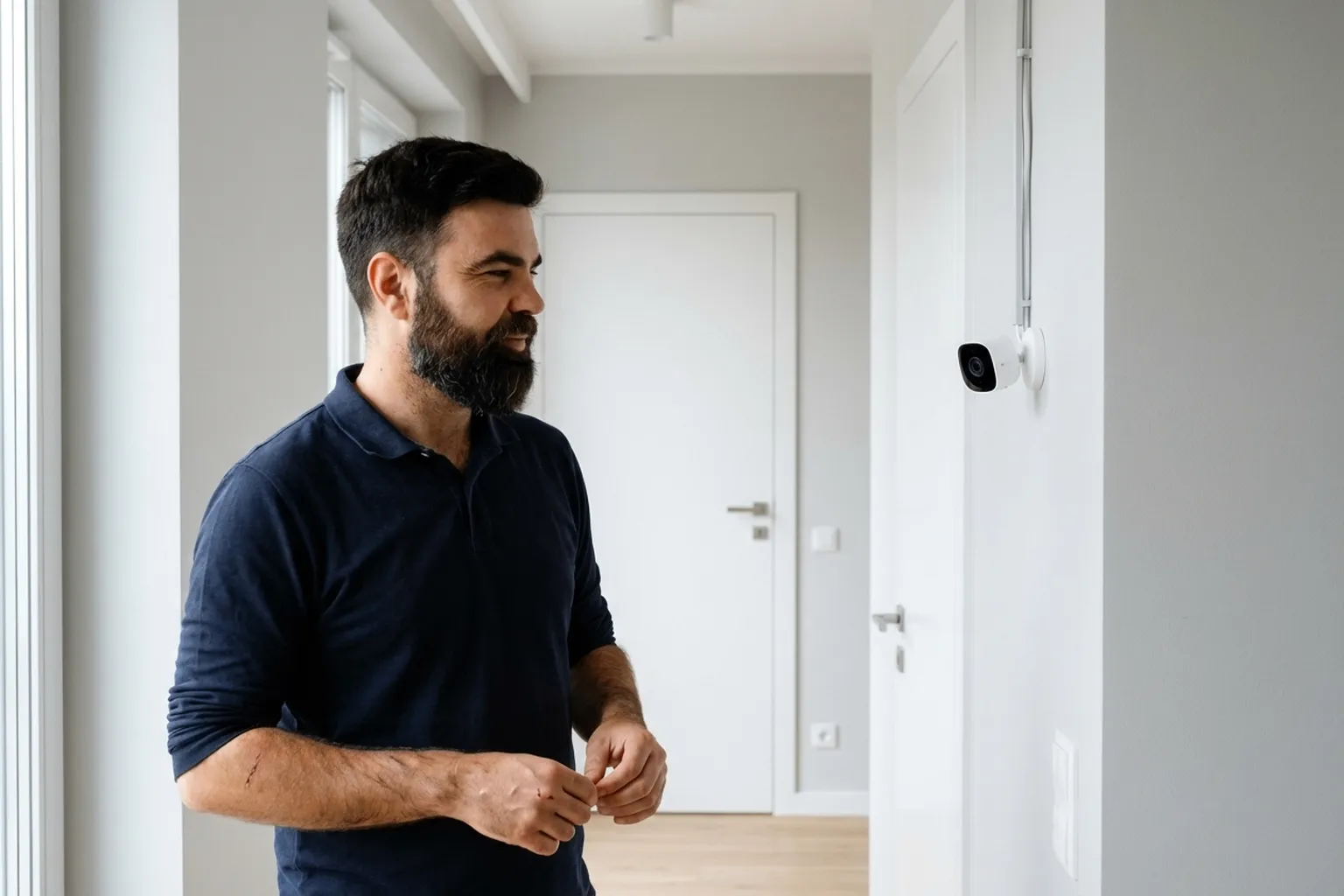
Tradespeople were called to a private house in Wilanow: the client wanted two cameras: one for the front door and one for the parking area. He selected Hikvision ColorVu (full-colour night vision). The first camera was fitted under the porch canopy — the bracket fixed to the facade, with Ethernet cable in trunking along the wall to the router in the hallway. The second camera went on the corner of the house facing the parking area, with the cable routed along the eaves and brought inside through a drilled opening. Both cameras were connected to an NVR with a 2 TB hard drive (14 days of recording). Tradespeople set up Hik-Connect, motion-detection zones, and push alerts. Night mode was checked: both zones stayed clearly visible even in complete darkness. The whole job took about 3 hours.
Frequently asked questions
Wi-Fi or PoE: which is better?
Wi-Fi is simpler to install (no cable), but it depends on signal quality. PoE is more dependable — power and data run through one cable, with no dropouts.
Do I need an NVR?
If you want recording, yes. Many cameras can save to microSD or cloud, but an NVR gives you more storage and steadier operation.
Can the camera see at night?
Yes, IR cameras work up to 30 m in the dark. ColorVu models give full-colour footage at night.
Can I watch on my phone?
Yes, through the manufacturer’s app. Tradespeople set it up during installation. You can view it from anywhere in the world.
Is it legal?
On your own property: yes. You cannot point the camera at someone else’s property or a public area without notice.
Which brands do tradespeople recommend?
Hikvision, Dahua, TP-Link (Tapo), Imou, Reolink — reliable brands with good apps.
How long does installation take?
One indoor Wi-Fi camera: 30-40 minutes. An outdoor camera with cable routing: 1-2 hours.
What is included in the price?
The technician’s labour, mounting hardware, and app setup. The client purchases the cameras and NVR.
Do tradespeople work on weekends?
Yes, Saturday and Sunday are normal working days.
Who does the work
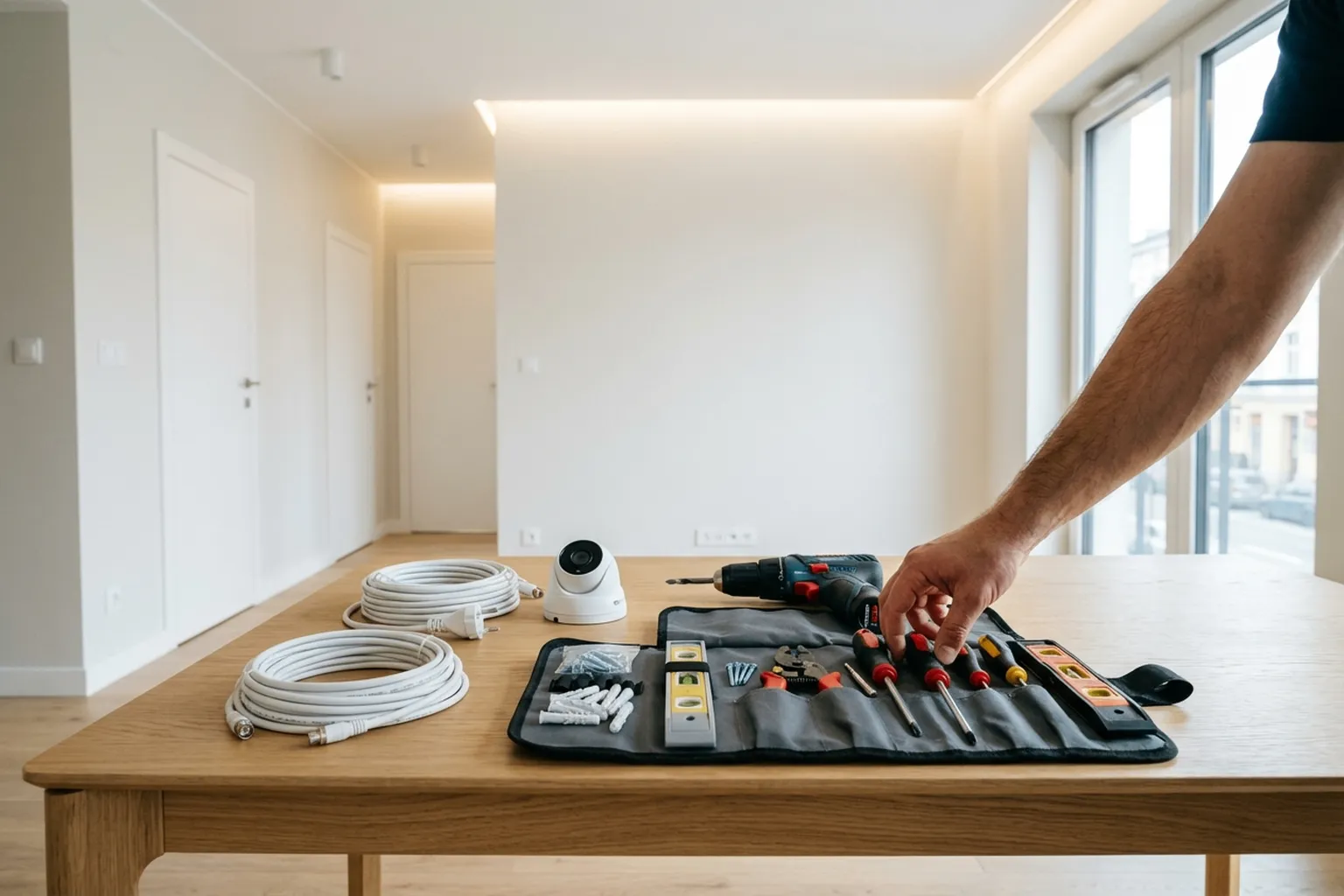
The cameras are fitted by a technician with hands-on experience in IP systems and network setup. They configure the app, motion detection, and push notifications right in front of you. Post a request in the HandyMan24 app: tradespeople across Warsaw and nearby areas will send their offers.
Order in the app
Describe the job, add photos and the address. Tradespeople send their own prices and dates, and you pick one of the offers.
Open the app