The Handyman24 app
Your job and the tradespeople’s offers
on one screen.
The app opens in a browser on your phone or computer, with nothing to install. You describe the job, tradespeople send offers at their own price, and you pick one of them.
The account is free. You pay the tradesperson directly for the work.
Request received
Handyman chosen
Today, 18:00
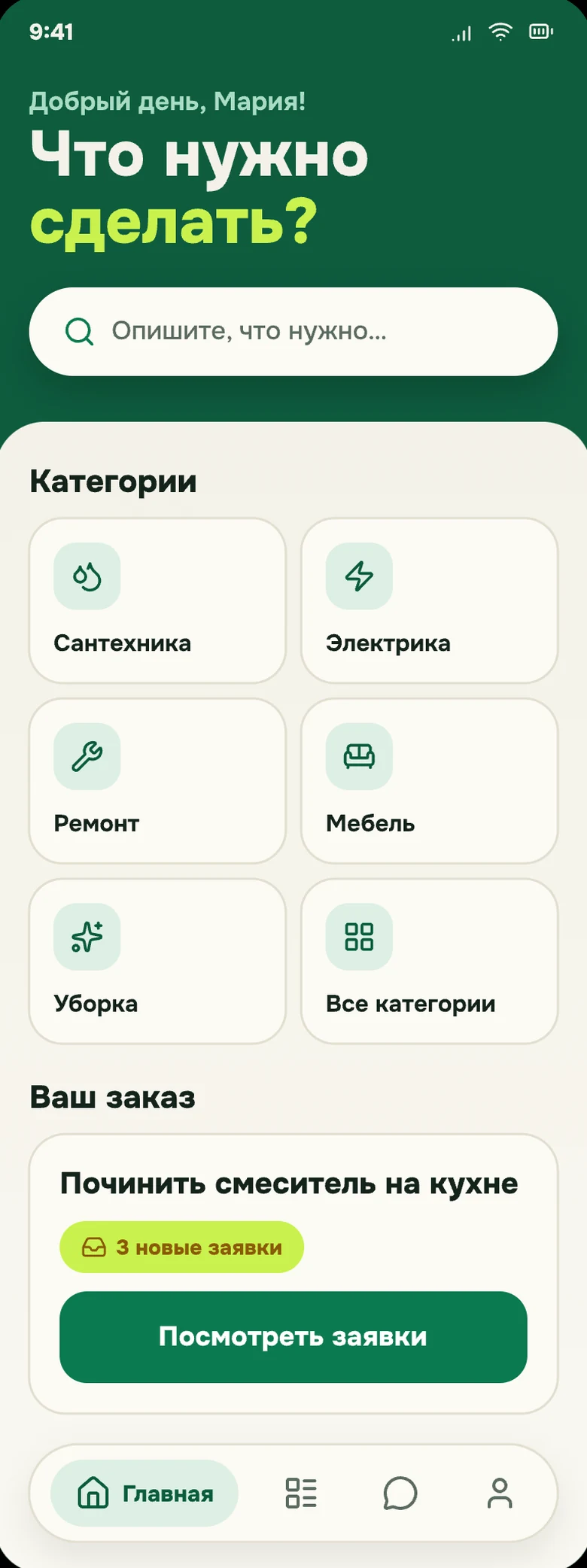
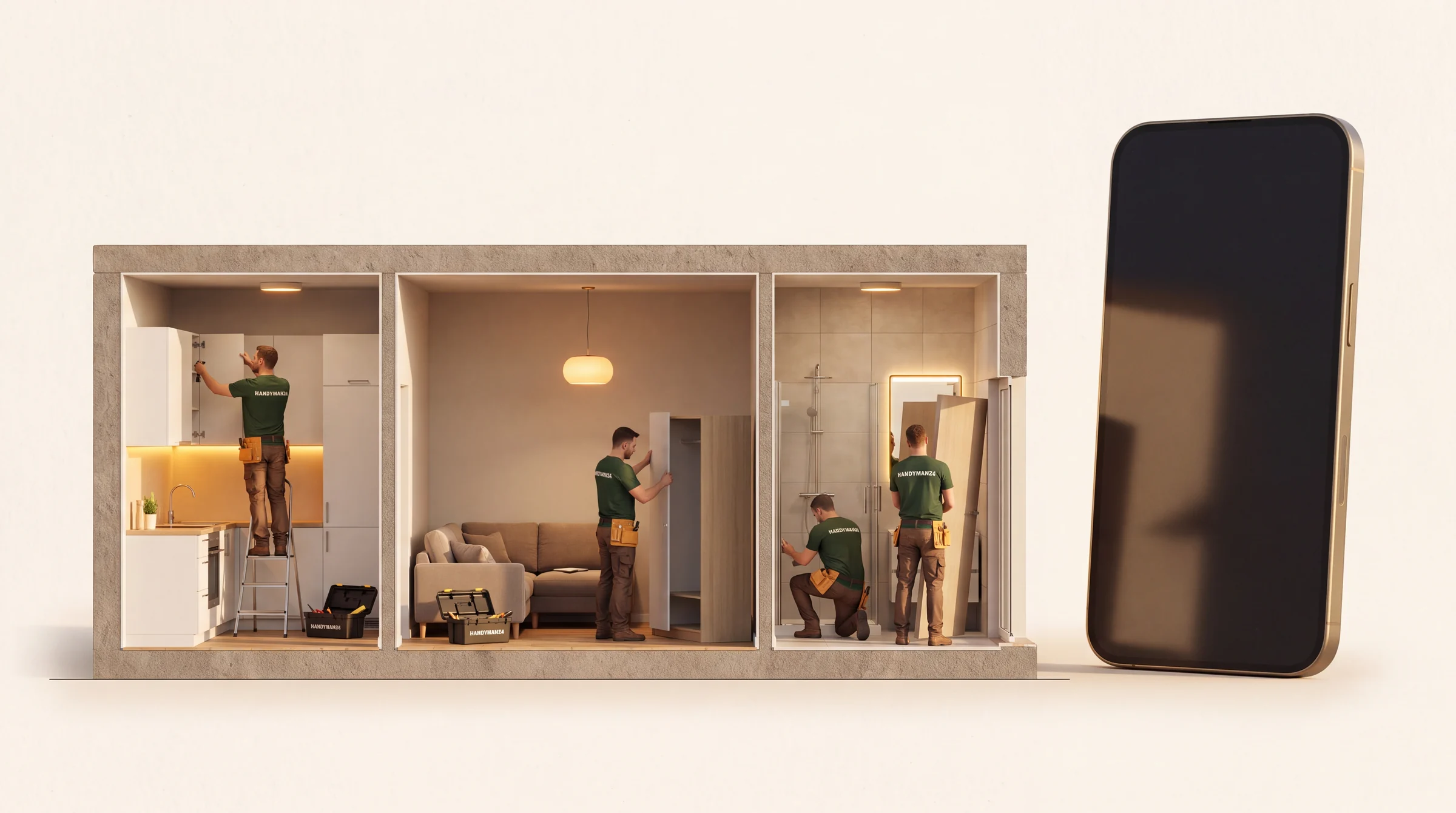
Every job in your flat on one screen
Each job shows its status and the tradesperson you picked, so you don’t have to remember who was coming when.
What the app looks like
This is an order from what broke to the status in your history.
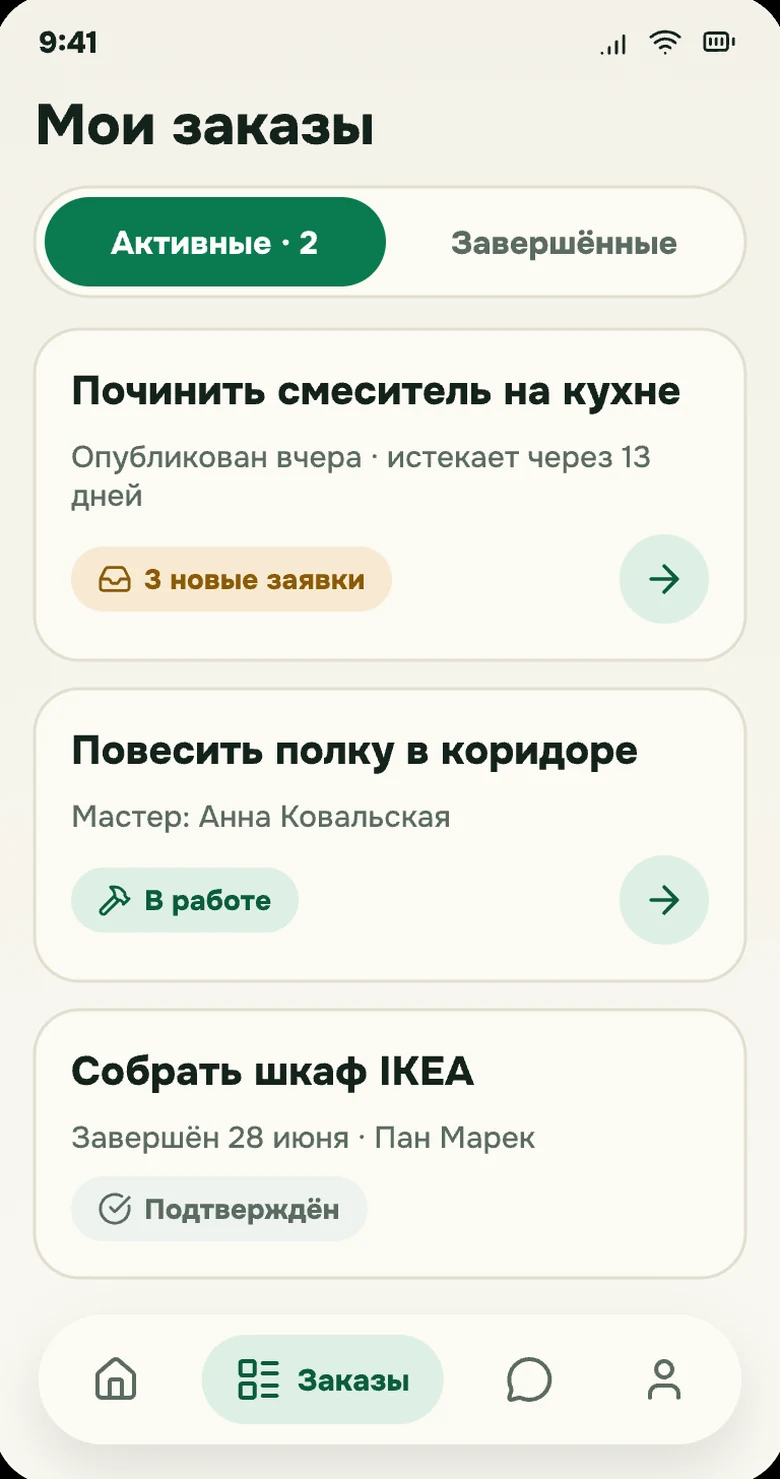
My orders and their status Start: what needs doing 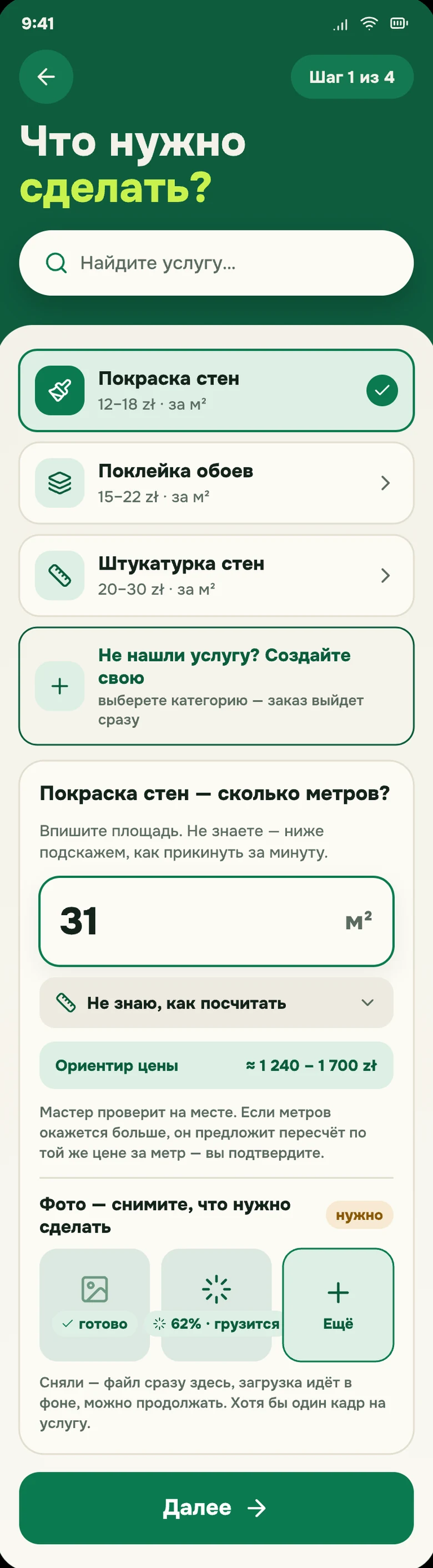
Picking a service and the ballpark 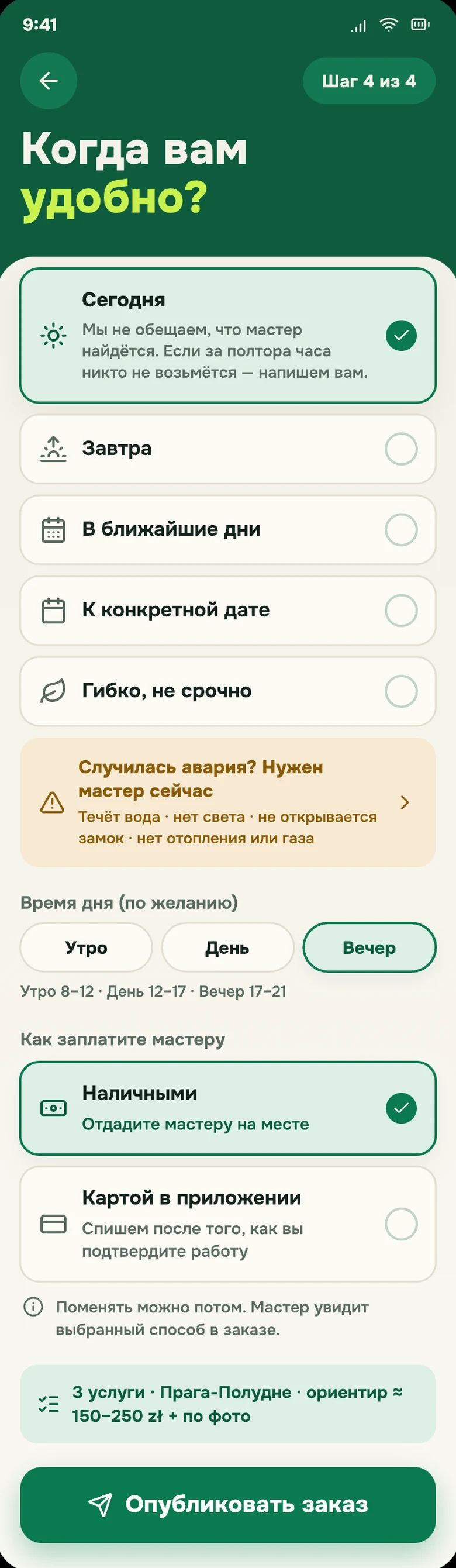
When it suits you and how you pay 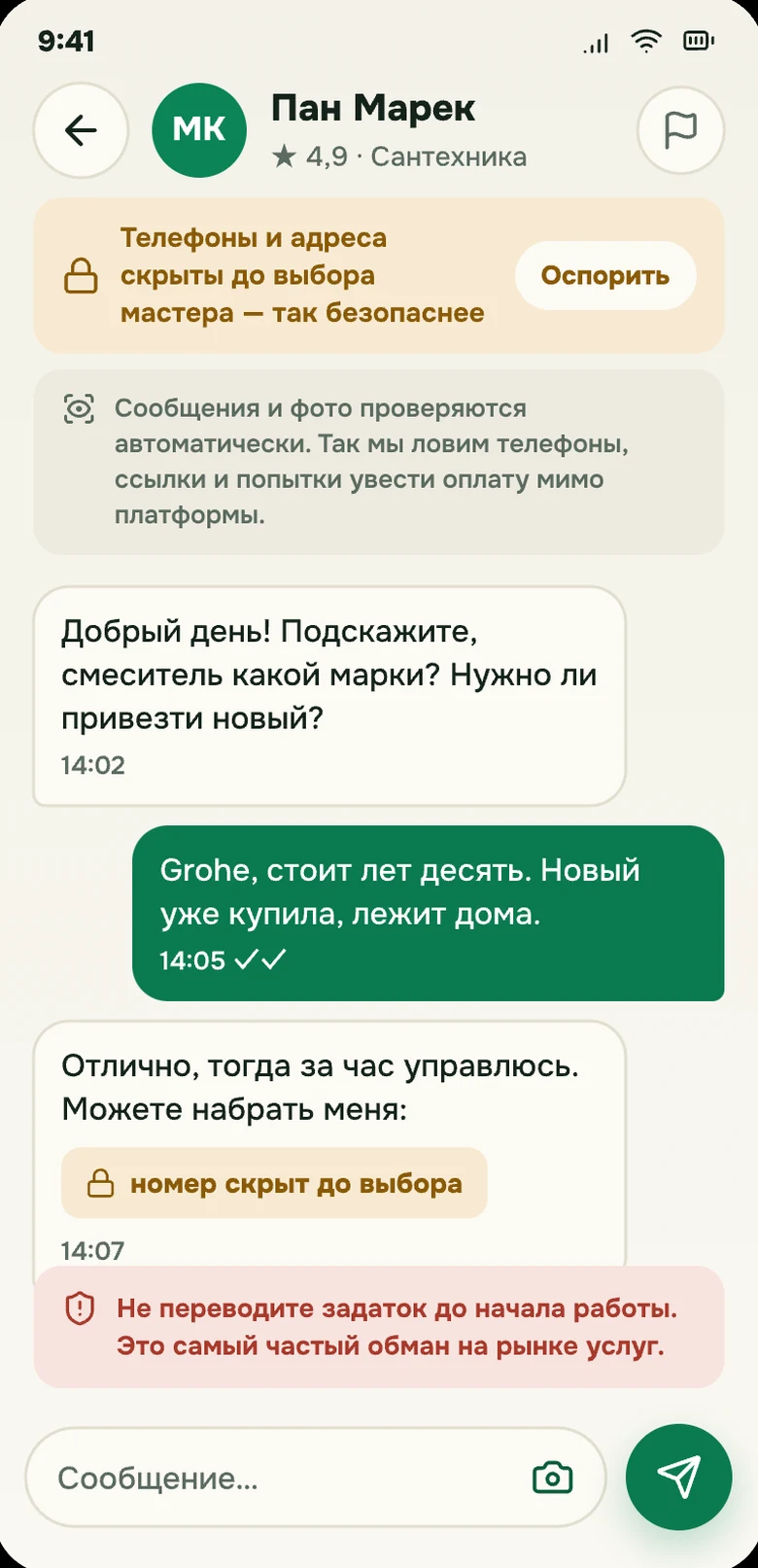
Chat: contacts hidden until you choose
What the app does
The four things it was built for.
-
Offers with prices
Handymen send offers with their own price and timing. You compare them with the reviews and the price-list range before you pick anyone.
-
An order in two minutes
Describe the work and add a photo, and the app asks about anything missing. The job goes to tradespeople in your area.
-
Contact after you choose
Until you choose, you talk in the app chat. The tradesperson sees your phone number and exact address only once you have picked them.
-
Sign-off and history
When the work is done, you confirm it and leave a review. Past jobs stay in your history.
From request to sign-off
Four steps. The tradesperson sets the price, and you make the choice.
-
You describe the job
Write a few words and add a photo, and the app asks for the rest. If you’d rather pick a service yourself, the catalogue with price ranges is right there.
-
You sign in with Google
No forms, no passwords: the account takes seconds and the draft order saves itself.
-
You pick an offer
Handymen from your area send offers at their own price. You compare them with the reviews and choose one.
-
You pay the tradesperson
You pay the tradesperson directly for the work. The invoice comes from them, and the job history stays in the app.
1,598
services in the catalogue
A catalogue with price ranges
The catalogue holds 1,598 services with price ranges. We work out the ranges from platform data as a guide, and the tradesperson gives the actual price in the offer.
Nothing to install
The app is a site: it opens from a link in the browser on a phone or a computer. Add it to the home screen and it behaves like an ordinary app: an icon, full screen, a quick way in.
- Phone and computer
- Sign in with Google or email
- Data under GDPR, not passed on

Jobs for tradespeople in the app
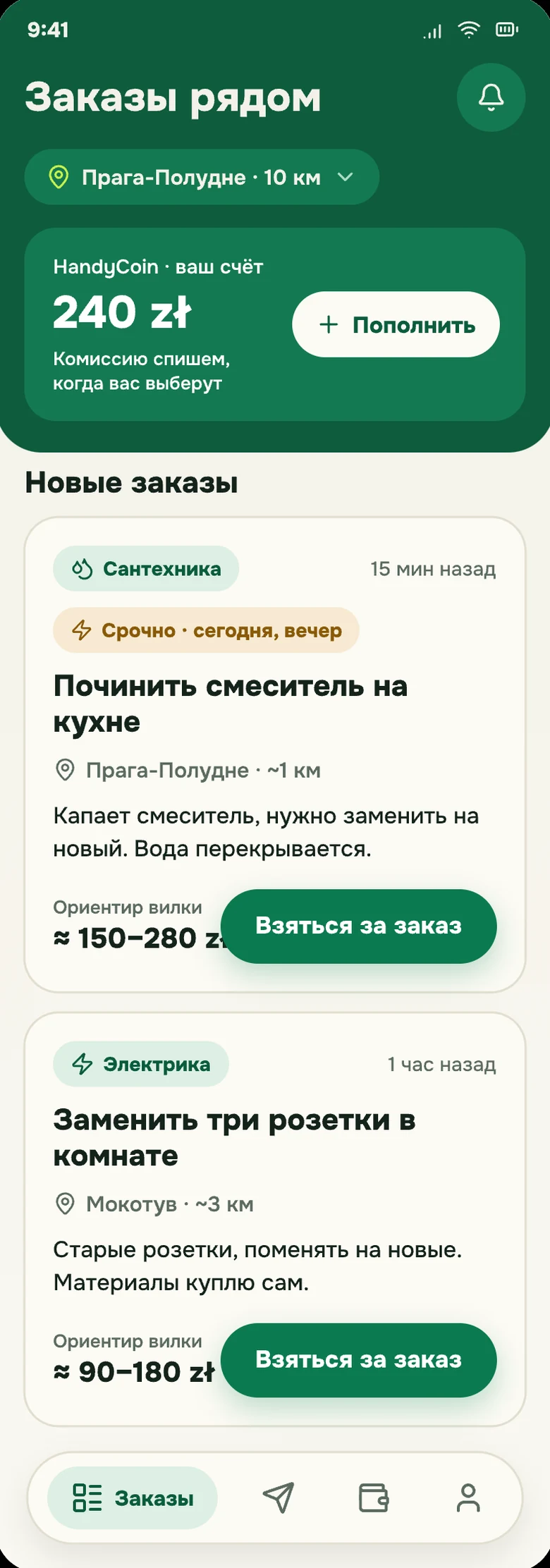
The app shows jobs from Warsaw and the rest of Poland, with the scope and a preferred time slot. A tradesperson sends an offer at their own price on the ones that fit, and the client chooses. The exact address shows after the choice. Everyone works for themselves and picks their own legal form and reporting.
- Clients post their own jobs in the app
- You decide which jobs to bid on and when to work
- Reviews and job history stay with your account
Questions about the app
What is the Handyman24 app?
It is a client and tradesperson panel in the browser: clients post jobs, tradespeople send offers. It opens on a phone and on a computer, with nothing to install.
Does it cost anything?
Not for clients. The account and the app are free, and you pay the tradesperson directly for the work. The tradesperson pays the platform a commission when a client picks their offer.
How do I sign in?
A Google account takes seconds and needs no password. An email sign-in works too.
Where do the catalogue prices come from?
We work out the ranges from platform data, and they are only a guide. The tradesperson gives the price for the work in their offer.
Who carries out the orders?
Independent tradespeople. The profile shows what has been verified, such as identity and certificates. Whoever did the work answers for it.
What about my data?
We process it under GDPR and pass it on to nobody. The details are in the privacy policy. Privacy policy
Open the app
and see for yourself.
Describe the job and wait for offers from tradespeople. Signing up with Google takes seconds.
Open the app I have an account
No phone calls. The job and your messages with the tradesperson stay in the history.